Web accessibility is no longer optional. As global regulations strengthen and user expectations rise, websites must be usable by people with diverse abilities, devices, and browsing conditions. Accessibility plugins help site owners comply with standards like WCAG, ADA, EAA, and Section 508 while improving user experience for everyone.
In 2026, accessibility solutions are more advanced than ever, combining AI automation, customizable user controls, assistive technology support, and compliance monitoring tools. Whether you run a blog, ecommerce store, or enterprise platform, adding the right accessibility plugin can significantly enhance usability and reduce compliance risk.
Below are the five best accessibility plugins in 2026, ranked based on usability, features, scalability, and compliance support.
1. Tabnav Accessibility Widget — Best Overall Accessibility Solution

The Tabnav Accessibility Widget is a smart, fully customizable toolbar designed to help websites improve accessibility and meet major standards like WCAG, ADA, EAA, Section 508, and more. It enhances usability for visitors with diverse needs by offering customizable controls, assistive support features, and automated accessibility improvements — all while integrating smoothly into any website without heavy development work.
Key Features
Multilingual Support
Supports 40+ languages so users worldwide can navigate your site in their preferred language.
Accessibility Profiles
Pre-configured profiles tailored for specific needs such as motor impairment, dyslexia, ADHD, and more, enabling personalized accessibility experiences.
Main Accessibility Tools
A suite of controls that let users adjust:
- Text size and font settings
- Color contrast and visual modes
- Keyboard navigation preferences
All designed to improve readability and interaction.
Widget Customization & Control
Site owners can customize the widget’s colors, position, and appearance to match their branding. Users can also resize or hide the widget if needed.
Accessibility Statement
Automatically generates an on-site accessibility statement to communicate compliance and features to users, helping meet transparency and regulatory expectations.
Assistive Technology Enhancements
Includes features that improve interaction with assistive tools such as:
- Screen reader compatibility
- Intelligent contrast and focus enhancements
- Automatic alt text generation for images
- Improved ARIA labeling and relationship encoding
- DOM order corrections for better keyboard navigation
These features boost usability for visitors using assistive technologies.
Easy Integration
Supports integration with most platforms, including WordPress, Shopify, Wix, Squarespace, HubSpot, Elementor, and more, with installation often taking just minutes.
Ongoing Compliance Support
With paid plans, you get ongoing standards updates, monthly accessibility scans, and advanced compliance features to maintain accessibility over time.
Plans & Scalability
- Free Widget – Basic accessibility tools, language support, and statement generation.
- AI-Powered Widget (Paid) – Adds regular compliance scans, advanced assistive support, and profiles.
- Custom Enterprise – Manual expert review and code-level remediation for complex sites.
2. WP Accessibility Plugin — Best Free Accessibility Toolkit
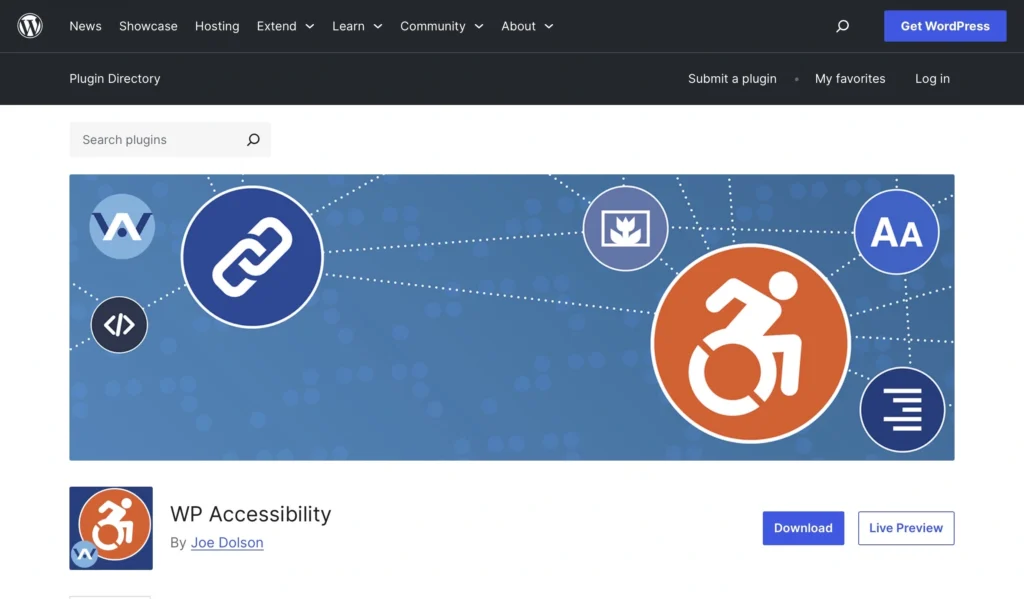
The WP Accessibility plugin remains one of the most trusted accessibility solutions for WordPress users seeking manual accessibility fixes and enhancements.
Built for developers and site administrators, it focuses on correcting accessibility issues in themes and improving WordPress functionality.
Strengths
WP Accessibility allows site owners to:
- Fix skip links
- Improve focus visibility
- Add accessibility toolbars
- Resolve theme accessibility errors
- Enhance form labels and attributes
It is lightweight and highly customizable.
Pros
- Completely free
- Developer-friendly
- Lightweight performance impact
- Helps repair theme-level accessibility issues
Limitations
- Requires some technical knowledge
- No AI automation
- Limited user-facing customization tools
- No compliance scanning
Best For
- Developers working with custom WordPress themes
- Budget-conscious websites
- Sites needing manual accessibility corrections
WP Accessibility remains a powerful free option but lacks automation and modern compliance tools.
3. UserWay Accessibility Widget — Popular Plug-and-Play Option
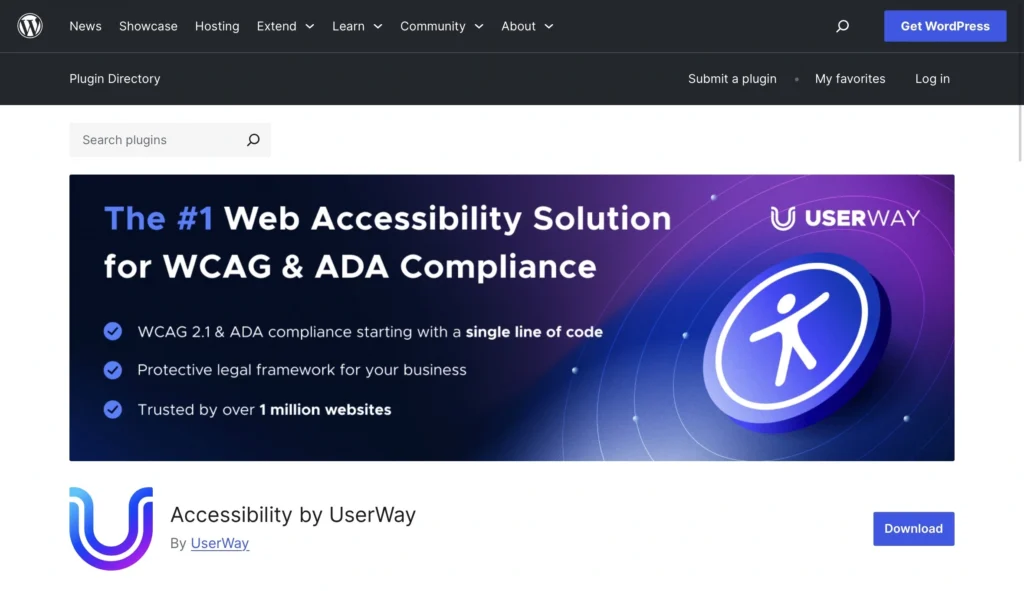
The accessibility widget from UserWay is one of the most widely recognized accessibility tools on the web.
It offers a quick way to add accessibility controls through a customizable toolbar.
Features
UserWay provides:
- Text resizing
- Contrast modes
- Dyslexia-friendly fonts
- Highlight links
- Pause animations
- Cursor enhancements
The widget is easy to install and works across most platforms.
Pros
- Fast installation
- Easy user controls
- Widely adopted solution
- Free basic version available
Limitations
- Advanced features require paid plans
- Limited backend accessibility fixes
- Compliance automation varies by plan
Best For
- Small businesses
- Websites needing quick accessibility improvements
- Site owners wanting minimal setup effort
UserWay is reliable for adding accessibility controls quickly, though it may not fully address deeper compliance needs.
4. accessiBe — Best AI-Powered Accessibility Automation
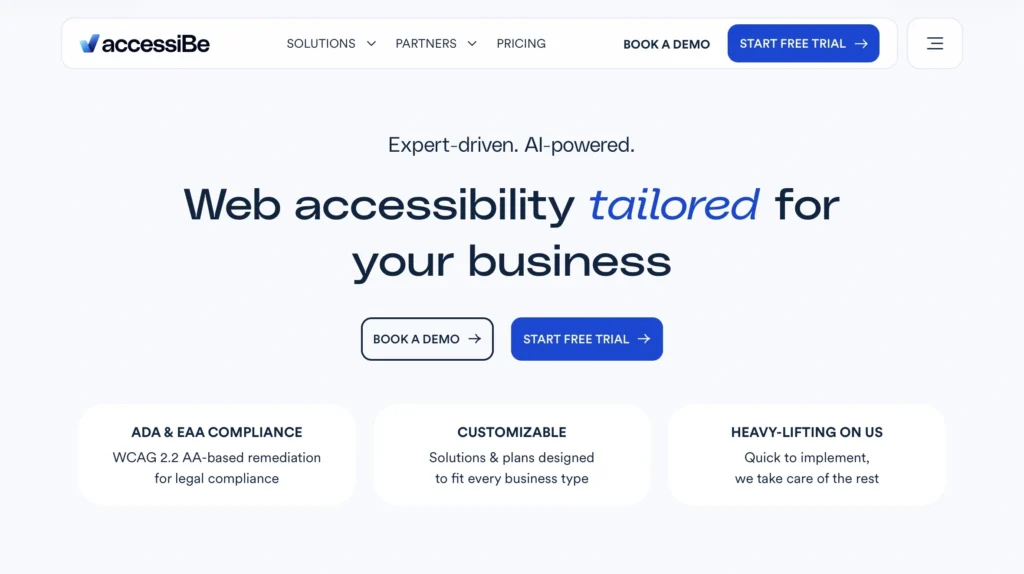
AccessiBe is one of the most well-known AI-driven accessibility plugins, focusing on automated website remediation.
Its system scans websites and uses AI to make accessibility adjustments automatically.
Key Capabilities
AccessiBe offers:
- AI-driven accessibility adjustments
- Screen reader optimization
- Keyboard navigation improvements
- Automated image labeling
- Compliance monitoring
Automation makes it attractive to businesses wanting minimal manual effort.
Pros
- Automated accessibility fixes
- Scalable for large sites
- Continuous monitoring
- Strong compliance focus
Limitations
- Higher pricing for large websites
- Less direct user customization
- Occasional automation inaccuracies
Best For
- Medium to large businesses
- Ecommerce platforms
- Companies needing automated compliance management
AccessiBe is powerful but may be excessive for small websites.
5. Accessibility Plugin (WordPress) — Lightweight Accessibility Enhancements
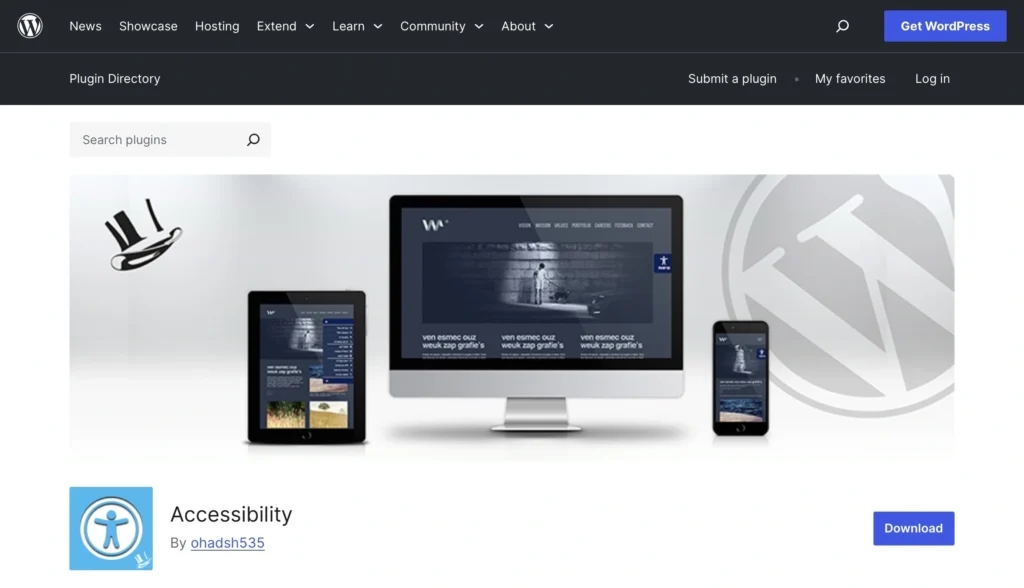
The Accessibility plugin available through the WordPress ecosystem provides a simple way to introduce accessibility controls without complex configuration.
It focuses primarily on front-end usability improvements.
Features
Common tools include:
- Font resizing
- Contrast controls
- Skip-to-content options
- Link highlighting
- Basic accessibility adjustments
Pros
- Easy setup
- Free
- Minimal configuration required
- Suitable for small sites
Limitations
- Limited compliance functionality
- Few automation tools
- No ongoing accessibility scanning
Best For
- Blogs and small websites
- Beginners
- Sites needing quick accessibility upgrades
This plugin is a good entry-level solution but lacks advanced compliance features.
Choosing the Right Accessibility Plugin in 2026
When selecting an accessibility plugin, consider:
1. Compliance Requirements
Do you need WCAG, ADA, or EAA compliance support?
2. Automation vs Manual Control
Some tools rely on automation, while others require manual setup.
3. User Customization
How much control should visitors have over their browsing experience?
4. Platform Compatibility
Ensure the plugin works with your CMS or website platform.
5. Scalability
Will your accessibility needs grow as your website expands?
Final Verdict
Accessibility plugins have evolved significantly, moving from simple visual tools to full compliance ecosystems.
Top Recommendation for 2026
- Tabnav Accessibility Widget – Best overall solution
- WP Accessibility – Best free developer-focused tool
- UserWay Accessibility Widget – Best quick-install widget
- accessiBe – Best AI automation solution
- Accessibility Plugin (WordPress) – Best beginner-friendly option
For businesses serious about accessibility and compliance, solutions that combine automation, user customization, and compliance monitoring will continue to lead the market.
Accessibility is no longer just about meeting legal requirements—it is about ensuring every visitor can fully experience your website. Investing in the right accessibility plugin today prepares your platform for a more inclusive digital future.
For more articles click here.

- The Best HR Software For Startups in 2026: Tools Built For Growing Teams - July 14, 2026
- 5 Best Shopify GDPR Apps in 2026 - July 13, 2026
- 100 Movie Trivia Questions With Answers - June 25, 2026