Creating a powerful presentation used to take hours, sometimes days, of writing, designing, formatting, and revising slides. Today, artificial intelligence has transformed that process. Modern AI presentation tools can generate complete slide decks from a short prompt, convert documents into presentations, and automatically apply professional layouts and visuals. Whether you are a student, teacher, marketer, or business professional, AI can help you save time while producing high-quality slides.
In this article, we explore the five best AI tools for PowerPoint presentations, focusing on tools that help with content generation, design, and workflow efficiency. Leading the list is Plus AI, followed by Gamma, Beautiful.ai, Canva Magic Design, and NoteGPT’s AI Slide Generator.
1. Plus AI
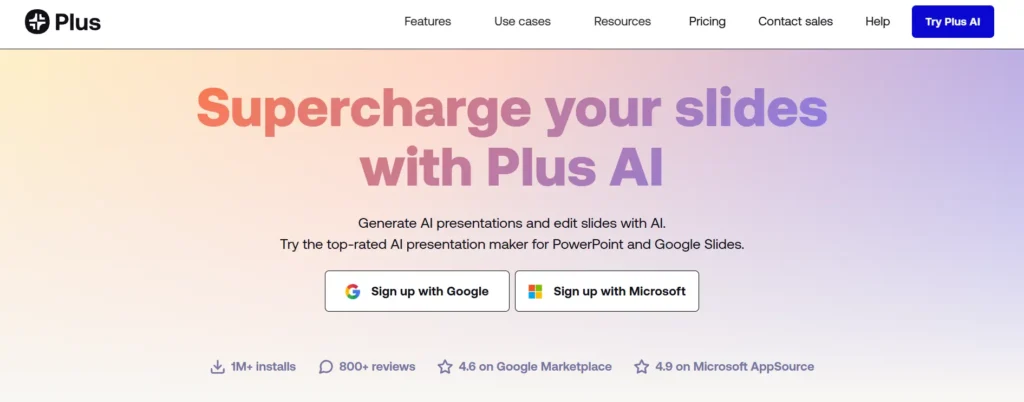
Plus AI is an AI-powered presentation tool designed to work natively inside the tools you already use — namely Google Slides and Microsoft PowerPoint. Instead of building a separate presentation-app from scratch, Plus AI integrates as an add-on or plug-in: you can generate new presentations from a short prompt, convert documents (PDF, Word, text, etc.) into slides, or refine existing slide decks. Its goal is to make slide creation and editing much faster and easier, eliminating much of the manual effort involved in formatting, layout, and design.
Key Features
- AI-driven slide generation: You can describe what you want (in a few sentences or using presets), and Plus AI will generate full slides or entire presentations automatically.
- Document-to-presentation conversion: Upload documents (PDF, Word, text, etc.) and turn them into slide decks.
- Editing and reformatting existing slides: Using “Remix” or “Rewrite” features, you can reformat slides, improve phrasing or tone, restructure content, or restyle slides with one click.
- Built-in image, icon, chart generation: Plus AI can generate images, icons, and charts to make your slides visually appealing — no separate design software needed.
- Multi-language support: It supports content creation in “any language,” which can be helpful for non-English presentations or multilingual teams.
- Custom branding and team workflows (on paid plans): For professional or team use, you can upload custom templates, set brand colors, fonts, logos; store shared slide libraries, prompts, and presets for consistent presentations — useful for companies, agencies or teams.
- Seamless integration with existing tools: Because Plus AI works as an add-on in Google Slides or PowerPoint, you don’t need to learn a new app or change your workflow — it plugs into what you already use.
2. Gamma – Best for Modern, Web-Style Presentations
Best for: Storytelling, interactive presentations, and modern layouts
Platforms: Web-based
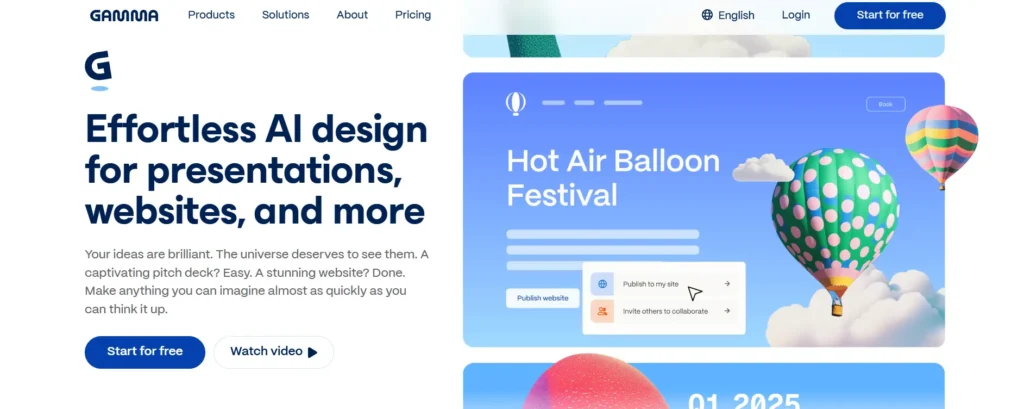
Gamma is an AI-first presentation platform that focuses on visual storytelling rather than traditional slide-by-slide design. Instead of thinking in terms of rigid slides, Gamma allows users to create fluid, scrollable presentations that feel more like interactive webpages.
Key Strengths of Gamma
Gamma excels at turning ideas into clean, modern presentations quickly. Users can type a prompt, and Gamma generates content, layouts, visuals, and structure automatically.
- AI-generated presentations from prompts or outlines
- Clean, minimalist design style
- Built-in visuals, charts, and images
- Easy sharing via links (no downloads needed)
- Ideal for pitches, reports, and explainers
Limitations
Gamma is less focused on PowerPoint compatibility. While exports are possible, the experience is best inside Gamma’s own platform. For users who must work strictly in PowerPoint, Plus AI may be a better choice.
3. Beautiful.ai – Best for Automated Design Consistency
Best for: Professionals who want perfect design without manual formatting
Platforms: Web-based
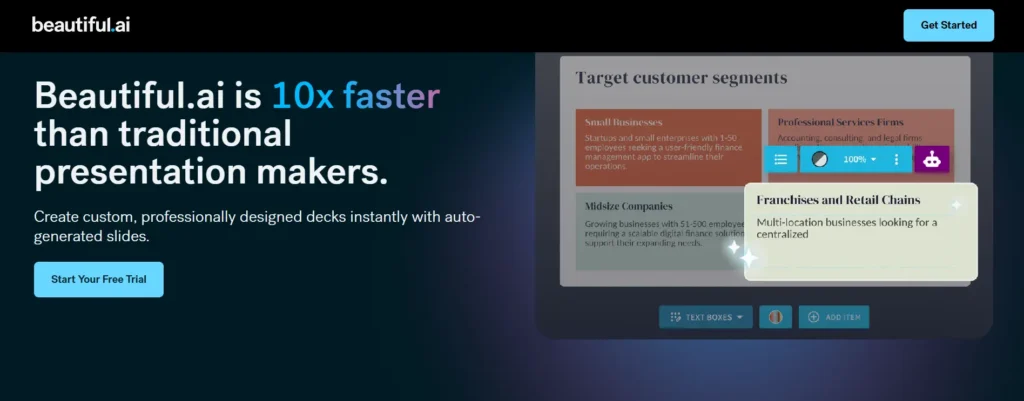
Beautiful.ai is built around a simple idea: design rules should be automated. Instead of adjusting layouts manually, users add content, and the AI automatically formats slides to look balanced and professional.
Why People Love Beautiful.ai
Beautiful.ai is especially popular with business users who want clean, polished presentations without worrying about spacing, alignment, or visual hierarchy.
- Smart slide templates that auto-adjust
- Consistent design across entire decks
- AI-assisted content organization
- Team collaboration and brand controls
- Professional, corporate-friendly look
Downsides
While the design automation is excellent, Beautiful.ai offers less flexibility for advanced customization and works best inside its own platform rather than directly in PowerPoint.
4. Canva Magic Design – Best for Creativity and Visual Variety
Best for: Students, educators, and creative users
Platforms: Web, mobile, desktop
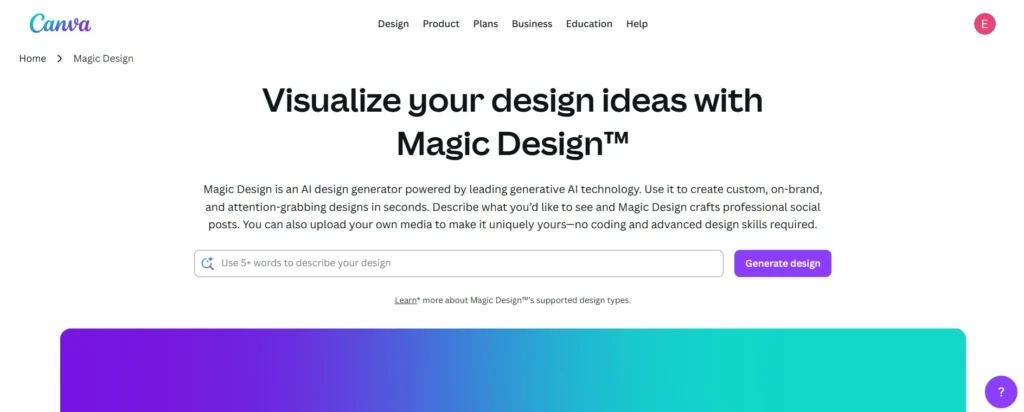
Canva is already one of the world’s most popular design tools, and Magic Design adds AI-powered presentation creation to its massive toolkit.
With Magic Design, users can upload text or enter a topic, and Canva generates complete presentations using its huge library of templates, images, icons, and animations.
Key Features of Canva Magic Design
- AI-generated presentations from prompts or documents
- Thousands of customizable templates
- Drag-and-drop editing
- Built-in stock photos, icons, and videos
- Easy export to PowerPoint format
Best Use Cases
Canva is ideal for visually rich presentations, school projects, and creative storytelling. However, it may feel overwhelming for users who want a more traditional PowerPoint workflow.
5. NoteGPT AI Slide Generator – Best for Turning Notes into Slides
Best for: Students and learners
Platforms: Web-based
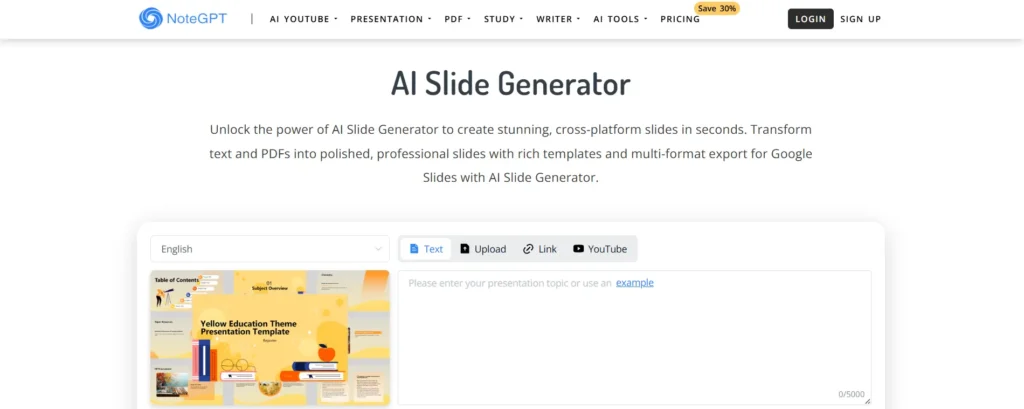
NoteGPT’s AI Slide Generator focuses on one main goal: turning notes into presentations. If you already have written content—such as class notes, summaries, or study material—NoteGPT can quickly convert it into a structured slide deck.
What NoteGPT Does Well
- Converts notes or text into slides
- Simple and beginner-friendly interface
- Fast slide generation
- Useful for academic and study purposes
Limitations
NoteGPT is more limited in design quality and customization compared to tools like Plus AI, Canva, or Beautiful.ai. It works best for simple, content-focused presentations rather than professional decks.
Final Comparison and Conclusion
AI presentation tools have changed how people create slides. Instead of starting from a blank page, users can now focus on ideas while AI handles structure, design, and formatting.
Here’s a quick summary:
- Plus AI – Best overall; seamless PowerPoint and Google Slides integration
- Gamma – Best for modern, interactive storytelling
- Beautiful.ai – Best for automated, professional design
- Canva Magic Design – Best for creativity and visual variety
- NoteGPT – Best for students converting notes into slides
Among these, Plus AI clearly leads for anyone who regularly uses PowerPoint or Google Slides and wants AI help without changing their workflow. Its deep integration, document conversion, editing tools, and branding features make it the most practical and powerful solution for real-world presentation needs.
As AI continues to evolve, presentation creation will only become faster, smarter, and more accessible—making tools like these essential for students and professionals alike.
For more articles check out our website.

- 100 Movie Trivia Questions With Answers - June 25, 2026
- The Go-To-Market Problem Most SaaS Businesses Scale Right Past - June 19, 2026
- SaaS AI Trends for 2026 - June 4, 2026