The modern workplace looks completely different in 2026 than it did just a few years ago. Remote collaboration, AI-powered workflows, hybrid teams, and digital organization systems have become essential for almost every business. Productivity platforms are no longer simple task managers. They now function as central hubs where teams communicate, organize projects, store knowledge, automate repetitive work, and manage entire operations.
Among the many tools competing for dominance, three platforms continue to lead the market: Notion, ClickUp, and Monday.com. Although they are often grouped together, each one approaches productivity in a very different way. One prioritizes flexibility and creativity, another focuses on operational power and automation, while the third emphasizes team collaboration and simplicity.
Choosing the best workplace in 2026 depends less on which software has more features and more on how your team naturally works.
Why Notion Remains So Popular

Notion has grown far beyond its origins as a note-taking app. Today, it is one of the most flexible digital workspaces available. What makes Notion unique is the freedom it gives users to build their own systems instead of forcing them into predefined structures.
Some people use Notion as a personal productivity tool, while others run entire companies through it. Teams create editorial calendars, project trackers, company wikis, CRM systems, content databases, and internal documentation hubs all inside the same platform. This flexibility is one of the biggest reasons why Notion remains especially popular among creators, startups, students, marketers, writers, and designers.
The platform’s clean and minimalist design also plays a major role in its success. Unlike enterprise-focused workplace that can feel cluttered and overwhelming, Notion feels calm and visually simple. Many users appreciate that experience because it makes organizing information feel less stressful.
In 2026, Notion’s AI capabilities have improved dramatically. Notion AI can now summarize meetings, generate content drafts, organize scattered notes, answer questions from internal databases, and assist with brainstorming. Rather than feeling like a separate feature, the AI tools are integrated naturally into the workspace itself.
Despite its strengths, Notion still has limitations. While its project management tools have improved significantly, it does not always handle highly complex operational workflows as effectively as more specialized software. Large organizations with advanced reporting needs or complicated team structures may eventually outgrow it.
Another issue is that Notion’s flexibility can sometimes become counterproductive. Users often spend excessive time customizing layouts and building systems instead of focusing on actual work. For highly organized people this can be exciting, but for others it becomes distracting.
Why ClickUp Is Built for Power Users
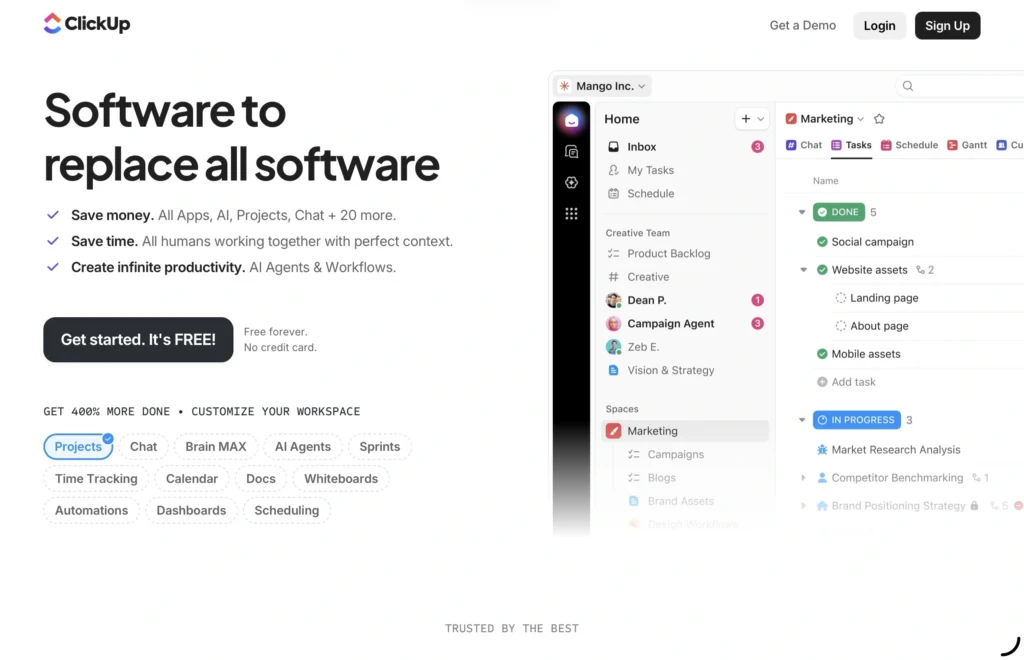
While Notion focuses on flexibility, ClickUp is designed around productivity, structure, and operational control. ClickUp has positioned itself as an all-in-one work management platform capable of replacing multiple workplace tools at once.
In 2026, ClickUp combines task management, documents, whiteboards, dashboards, automations, communication tools, time tracking, goal systems, and AI assistance into a single ecosystem. The platform is particularly popular among software companies, agencies, operations teams, and businesses managing large-scale workflows.
One of ClickUp’s biggest strengths is its ability to handle complexity. Teams can build detailed systems involving dependencies, sprint planning, resource allocation, advanced reporting, and highly customized workflows. This level of control makes the platform especially attractive for organizations that require precision and scalability.
Automation is another major reason businesses choose ClickUp. The workplace allows companies to automate repetitive tasks such as assigning responsibilities, changing statuses, sending notifications, managing approvals, and updating workflows. In large organizations, these automations can save enormous amounts of time.
ClickUp’s AI tools have also become more advanced in 2026. The platform now helps teams generate tasks, summarize projects, optimize workflows, and automate planning processes more efficiently than before.
However, ClickUp’s biggest strength is also its biggest weakness. The platform can feel overwhelming, especially for new users. There are countless settings, menus, dashboards, and customization options, which means onboarding can take time. Smaller teams or individuals sometimes feel like they are using software designed for much larger companies.
Although performance has improved over the years, some users still experience occasional lag or clutter inside large workspaces. ClickUp tries to do everything at once, and while that ambition is impressive, it can sometimes affect the overall user experience.
Still, for companies prioritizing operational efficiency and deep project management, ClickUp remains one of the most powerful productivity tools available in 2026.
Why Monday.com Appeals to Large Teams
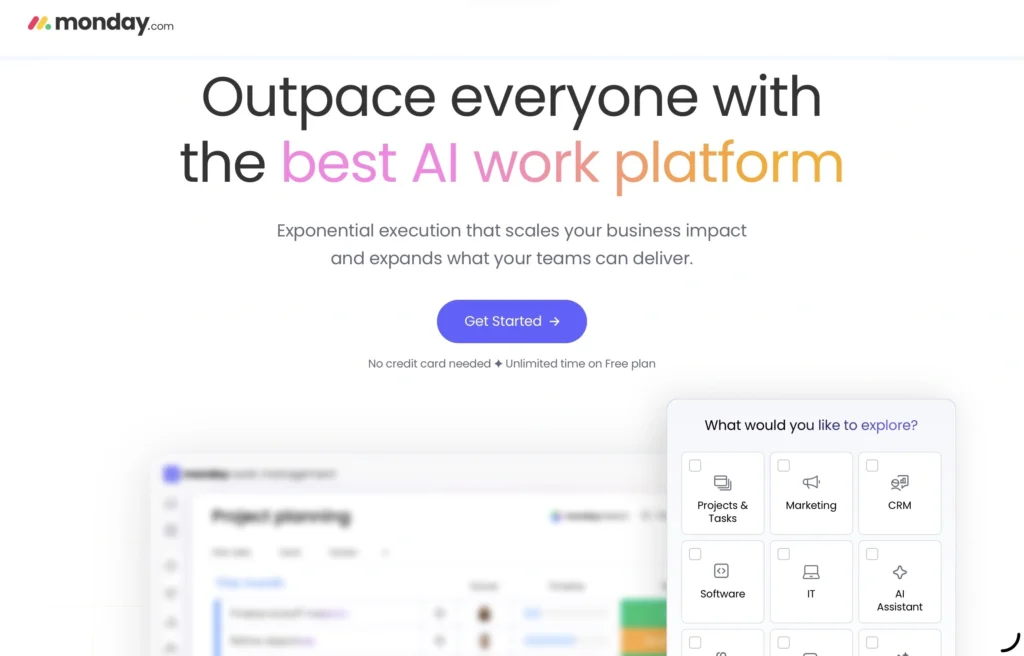
Monday.com occupies a middle ground between the flexibility of Notion and the complexity of ClickUp. Its biggest advantage is accessibility. Monday.com is designed to be easy to understand, visually organized, and collaborative from the very beginning.
This has made the workplace especially popular among larger companies, sales teams, HR departments, marketing organizations, and non-technical employees. Unlike platforms that require extensive customization before becoming useful, Monday.com feels intuitive almost immediately.
The visual structure of the platform is one of its strongest features. Timelines, dashboards, project boards, calendars, and workload views make it easy for managers and teams to track progress without navigating complicated systems. Everything feels highly organized and visually clear.
In recent years, Monday.com has also expanded beyond standard project management. The platform now offers tools for CRM management, IT operations, HR workflows, and enterprise coordination. This broader ecosystem has helped it compete more aggressively with larger workplace software providers.
Monday.com also performs well when it comes to collaboration. Teams can communicate, track responsibilities, and maintain visibility across departments without requiring advanced technical knowledge.
Still, the platform is not as flexible as Notion or as operationally powerful as ClickUp. Some users eventually feel restricted by its predefined structures and guided workflows. While customization exists, the platform is clearly designed around simplicity and structure rather than limitless adaptability.
Pricing can also become a challenge for larger organizations. As teams scale and require more advanced features, subscription costs can increase significantly.
AI Features Have Changed Productivity Software
Artificial intelligence has become one of the biggest competitive factors in productivity software by 2026. All three platforms have integrated AI heavily, but they use it in different ways.
Notion’s AI experience focuses heavily on writing, organization, and knowledge management. It feels particularly useful for content-heavy workflows where teams work with large amounts of text and documentation.
ClickUp’s AI is more operational. It helps automate workflows, optimize project management, generate tasks, and improve organizational efficiency. The focus is less on creativity and more on execution.
Monday.com uses AI primarily to improve coordination and workflow visibility. Its AI systems help automate updates, balance workloads, and provide insights that keep teams aligned.
The differences reflect the overall identity of each platform.
Which Platform Is Easier to Use?
Ease of use remains one of the biggest deciding factors for teams choosing productivity software.
Notion sits somewhere in the middle. The interface itself is clean and simple, but building advanced systems requires time and experimentation.
ClickUp has the steepest learning curve. It offers enormous power, but new users often feel overwhelmed by the number of available features.
Monday.com is generally considered the easiest platform to adopt quickly. Its visual layout and structured approach make onboarding smoother, especially for larger organizations with mixed levels of technical experience.
Which Platform Is Best for Different Types of Users?
For students, freelancers, creators, and startups, Notion often feels like the best choice because of its flexibility and creative freedom. It adapts easily to personal workflows and content-heavy environments.
For companies managing complicated operations, software development, or large-scale projects, ClickUp usually provides the strongest functionality. It is built for structure, automation, and advanced workflow management.
For organizations focused on collaboration, visibility, and simplicity, Monday.com often offers the most balanced experience. It works especially well in corporate environments where ease of use matters across multiple departments.
Final Verdict: Which Is Better in 2026?
There is no universal winner between Notion, ClickUp, and Monday.com because each platform solves a different problem.
Notion excels at flexibility, creativity, and knowledge management. ClickUp dominates in operational depth, automation, and advanced project control. Monday.com succeeds because it balances usability, collaboration, and structured organization in a way that feels approachable for large teams.
In 2026, the best productivity platform is not necessarily the one with the most features. It is the one that fits naturally into the way your team already works. The software that feels intuitive and sustainable will almost always outperform the one that simply looks more powerful on paper.
Click here for more.

- 100 Movie Trivia Questions With Answers - June 25, 2026
- The Go-To-Market Problem Most SaaS Businesses Scale Right Past - June 19, 2026
- SaaS AI Trends for 2026 - June 4, 2026